

Declare
List each asset, its prompt, its provider, and an optional final-art quality profile in one file.
You write the manifest.pixelkiln.manifest.jsonA build pipeline for generated pixel art
Declare the sprites you need in one manifest. PixelKiln prices the run offline, lets you choose among candidates, and records a SHA-256 hash for every file you ship.
You choose every image.
PixelKiln does the polling, hashing, and file placement the same way every time.
One committed manifest drives every step. Each step says what it reads and what it writes.
List each asset, its prompt, its provider, and an optional final-art quality profile in one file.
You write the manifest.pixelkiln.manifest.json
Compare the manifest with the lockfile and the files on disk. The plan shows what costs money and what you can restore for free, and it makes no provider calls.
Reads the manifest, lockfile, and disk. Spends nothing.pixelkiln plan
Pass a budget and PixelKiln submits, polls, and downloads. It saves each remote id before polling, so a failed download is recoverable work and not a second charge.
Writes the lockfile and the downloaded files.pixelkiln gen --budget 120
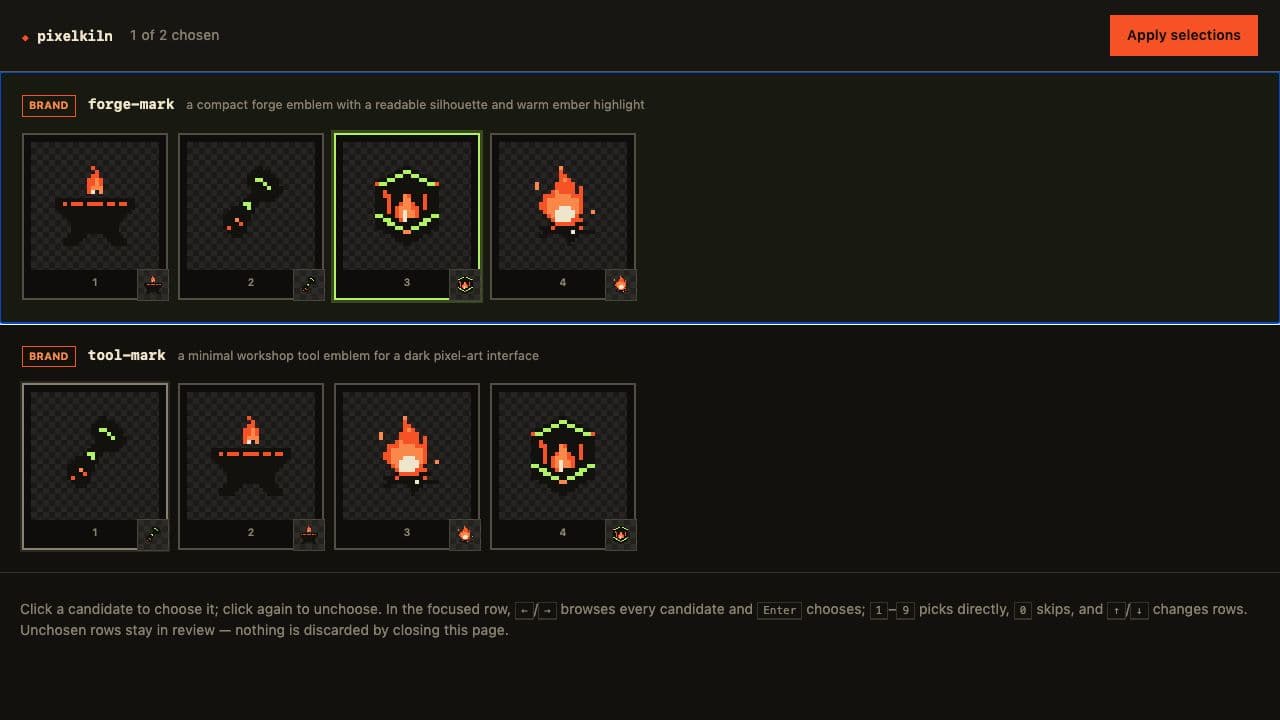
Choose from a local candidate sheet, touch a sprite up in the gallery's editor, then approve the exact pixels you ship.
Writes your choice and approval to the lockfile.pixelkiln pick
Build atlases, Aseprite sheet JSON, Godot SpriteFrames, and tilesets for Tiled and Godot. A style with a palette rule never ships a color outside it. Quality-profile styles stay blocked until approval is current.
Writes sheets and exports with provenance.pixelkiln packpixelkiln pick opens a local page with every candidate. It preserves native aspect ratios and stays readable on ultrawide displays, and a frame set counts as one choice. PixelKiln records every candidate and leaves the decision to you.
PixelKiln asks providers for your palette, and enforcePalette makes it a rule: every downloaded sprite is snapped to the nearest palette color as it is written, while the provider's bytes stay in the cache. Turning the rule on or off later re-applies it to art you already paid for.
pixelkiln gallery shows every generation the lockfile knows about, plus the assets you declared and have not made yet. It starts read-only. Each flag you add gives the page one more power, and the page says which one it is using.
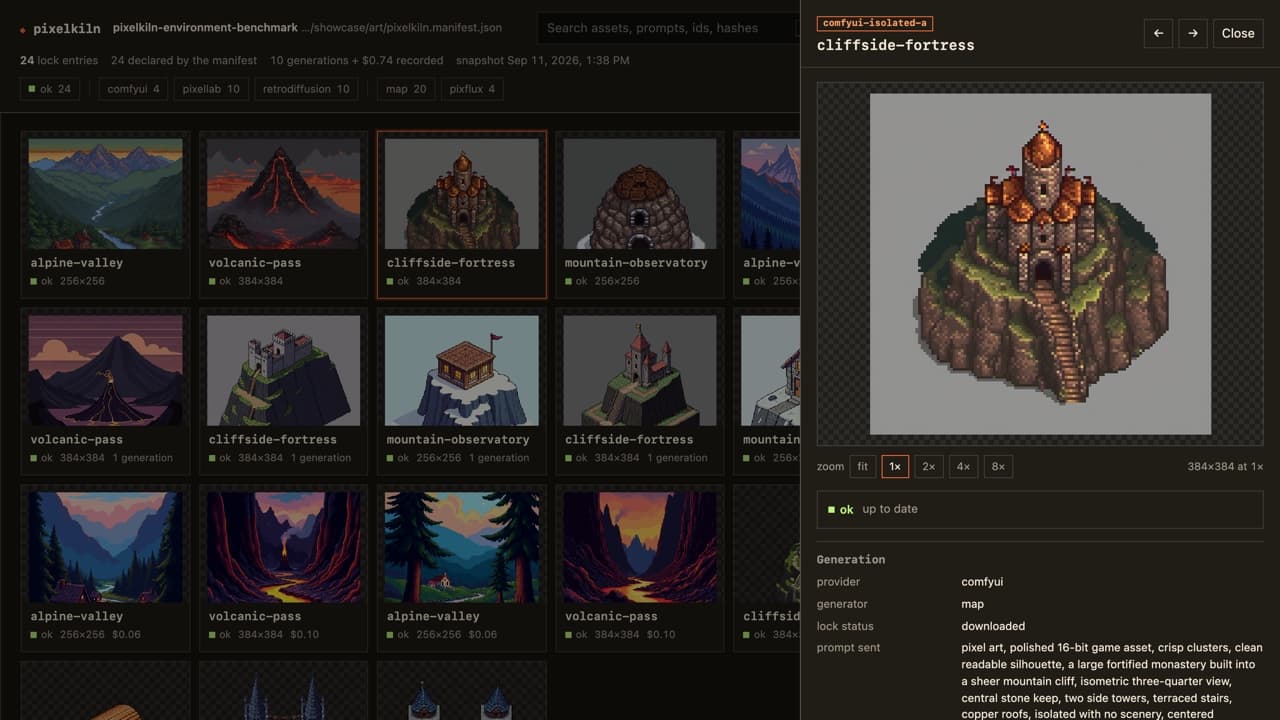
pixelkiln galleryReads the manifest, lockfile, and disk. Writes nothing and never contacts a provider.pixelkiln gallery --editRewrites the manifest and nothing else. Never contacts a provider, never spends.pixelkiln gallery --budget 80Submits work under the ceiling you set. Writes the same lockfile gen writes.pick sheet over the gallery. Choose there and the art downloads..env and never reach the page.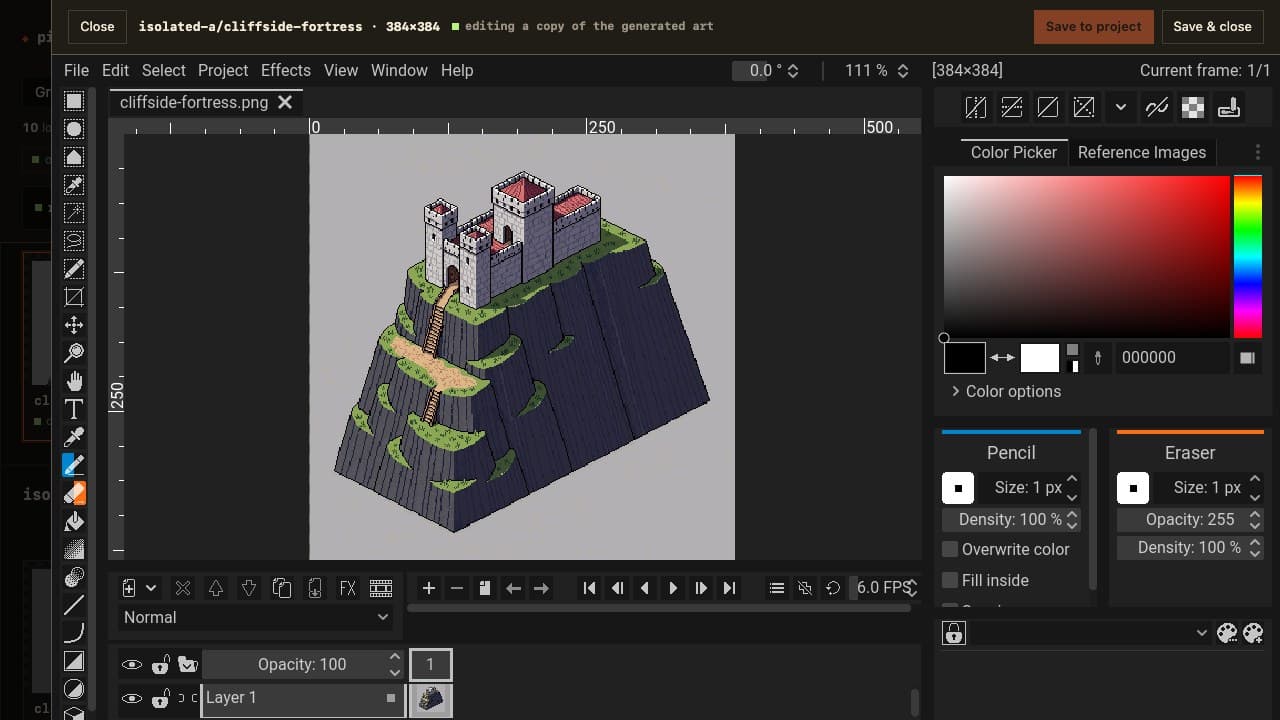
Every provider object, prompt identity, output role, path, and byte hash survives in project state. A failed download remains recoverable work, not a reason to pay twice.
{"base/anvil": {"status": "downloaded","provider": "pixellab","specHash": "61c9…a071","cost": { "value": 1,"unit": "generations" },"outputs": [{"path": "art/base/anvil.png","sha256": "98f1…c42a"}]}}
A character style holds a base drawn facing 4 or 8 directions, states that apply a pose or an outfit to every direction at once, and loops, one direction each. Every one is an asset with its own record and files, so plan prices the cast, one gen runs it in waves (bases, then states, then loops), and pack --format godot writes a SpriteFrames with every direction and every loop.
Start from a prompt on any of PixelLab's four engines, or from your own south-facing sprite: reference hands it over and pro-flash rotates it for one generation at 64px. Regenerate the base and its states and loops go stale, never silently mismatched. Characters already on your account come under the manifest with adopt, and the gallery shows the family: states under their base, loops with their direction, mirrors with their source.
mirror makes it locally for nothing; eight directions of one walk cost 5, not 8.directions list that declares a loop and mirrors the rest."cast": {"generator": "character", "mode": "pro-flash","template": "custom", "size": 96 },"bot": {"prompt": "small round orange robot, one blue eye","reference": "refs/bot-south.png" },"bot.dented": {"prompt": "shell dented, one arm hanging loose","state": { "of": "bot" } },"bot.walk.west": {"prompt": "walking in place, short legs stepping","animation": { "of": "bot", "direction": "west","frames": 12, "fps": 12 } },"bot.walk.east": { "mirror": "bot.walk.west" }walk
pick and packed as one looping animation at the fps the manifest records. The arrows and dots are yours; it also cycles on its own.pixelkiln vfx drives PixelLab's VFX workbench. Start from one of its presets or layer its parts, build the effect around a character, and get a spritesheet, a GIF, an atlas, and a game pack with every piece as its own clip. The workbench renders a recipe instead of generating, so it costs nothing on a subscription, and the recipe it saves renders the same pixels again.


pixelkiln vfx --preset lightning_strike --sprite robot.png --out fx/zap# writes fx/zap.png .gif .json .vfx.jsonpixelkiln vfx --recipe fx/zap.vfx.json --out fx/zap-again--effect pulls the edit back down..vfx.json record keeps the full recipe; re-rendering one gave a byte-identical sheet.When a provider ships something PixelKiln can drive, it lands here with what it cost. The newest update shows real output from the project's own manifests, and each earlier one keeps a short note and its reference.
Every image below came from a real call, and each one billed exactly what pixelkiln plan said it would.
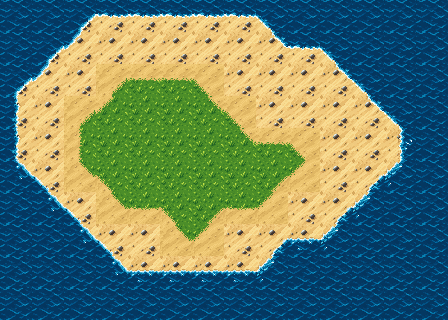
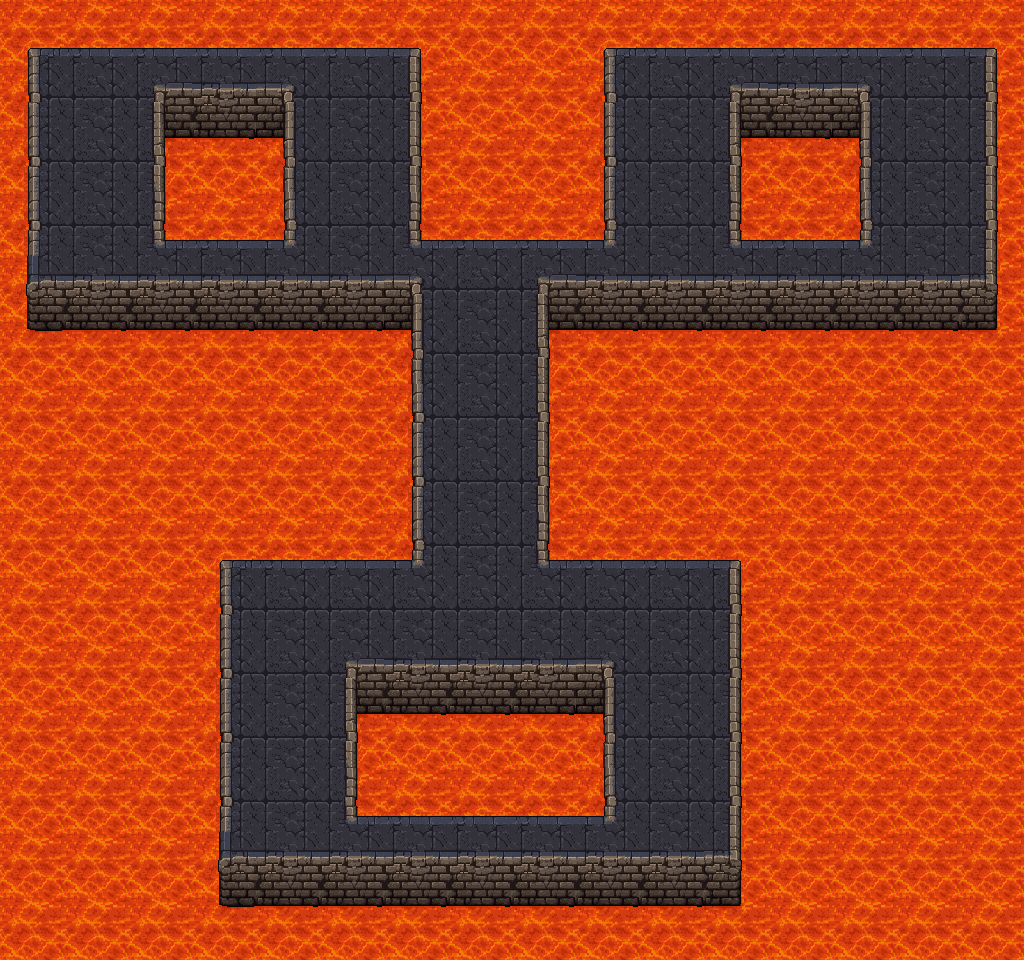


"sand-grass": {"prompt": "1). plain smooth sand texture 2). plain short grass texture","connect": { "lower": { "of": "ocean-sand", "terrain": "upper" } }},"chest-normals": {"styles": ["lit"],"revision": { "mode": "normal-map", "from": "chest", "fromStyle": "gameboy" }}terrainRoundness: 2 with terrainConnectDiagonals cuts the coast at 45°. Sidescroller platform sets cost 3.palette now reaches Create Image Pro, and maxColors caps each candidate.pixelkiln normal-map and vfx --description do the same for loose files.Every Pro tool dropped from 20, 25, or 40 generations to 10, 15, or 25, and pixelkiln plans with the new prices.
pixelkiln pixelate turns a photo, painting, or render into pixel art for 6 generations.pixelkiln vfx renders animated effects from presets and parts, free on a subscription.PixelLab, Retro Diffusion, ComfyUI, and Scenario share the same review, lockfile, and recovery flow. The cards below show outputs from committed benchmark projects, one sample each. The ComfyUI card separates its model canvas from the recovered native pixel grid, because a large raster can still contain fake pixels. Its samples are diagnostics, not asset recommendations. A style.quality profile applies the same palette and approval gate after any single-image provider or an atomic ComfyUI frame set. ComfyUI and PixelLab both back controlled revisions, and PixelLab adds palette cleanup, animation, and interpolation of an existing asset. PixelKiln hashes the parent and mask bytes before a revision runs.
| Provider | Status | Billed in | What has run |
|---|---|---|---|
| PixelLab | Production | Generations | Generation and account recovery against a live account. |
| Retro Diffusion | Experimental | USD | Single-candidate stills, live. Its other paths need paid runs. |
| ComfyUI | Experimental | Nothing (self-hosted) | Local generation, candidate review, cache recovery, and grid refinement. Atomic frame sets have automated coverage, and PixelKiln saves each accepted frame prompt before it queues the next one. They still need a live pose recipe and benchmark. The tested SDXL graph needs manual cleanup and art review. |
| Scenario | Experimental | Compute units | Paid single- and two-output generation, human review, and recovery. Ten more models, six tool models, reference-image edits, and multi-model chains ran once each. |
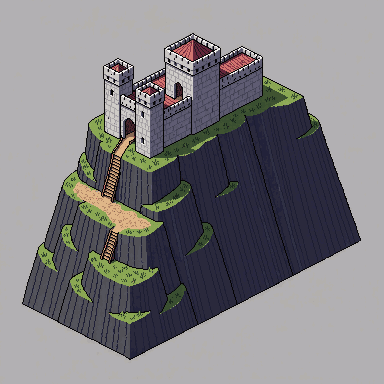
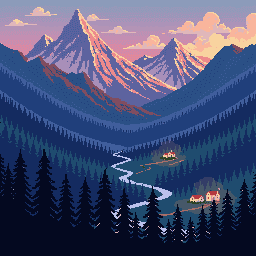
PixelLab kept more of each brief and made the scenic depth planes easier to separate. Its map objects were opaque, and one scenic attempt added a signature-like mark. Check alpha and stray marks before a batch.
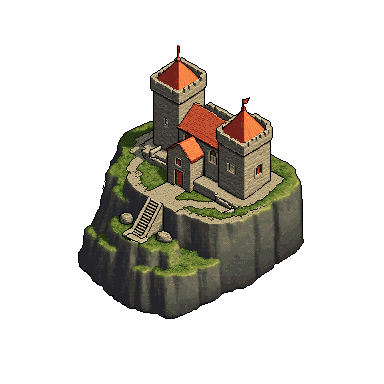
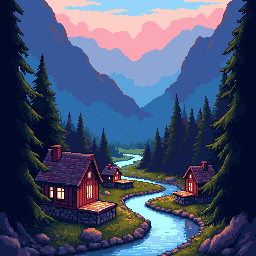
Both 384px building attempts had transparent backgrounds and used 49 to 55 colors. They also filled more of the frame than the earlier 256px attempt.
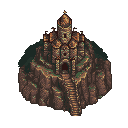
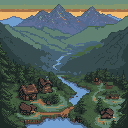
SDXL Base plus Pixel Art XL found workable compositions, but the raw files only imitated a pixel grid. Pixel Art Fixer recovers editable 1× assets and applies a fixed palette. A manifest quality profile makes those mechanical checks and approval part of planning and packaging. You still judge the drawing. Build large scenes from small parts that pass review.
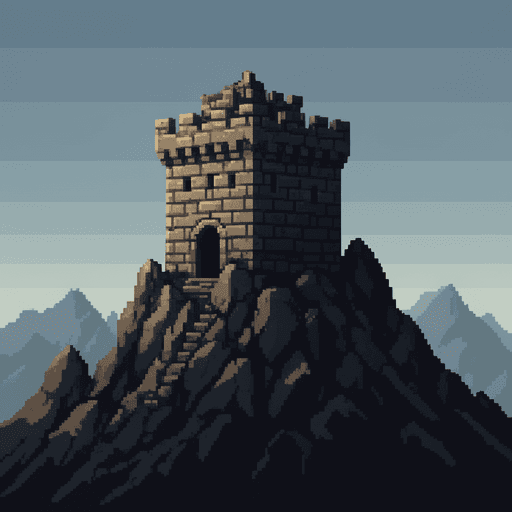
BFL Flux 2 Dev produced a readable keep and completed the full PixelKiln lifecycle. The raw file imitates pixel art but carries a large RGB palette. Treat it as concept art or refinement input, not a finished game asset.
We ran Scenario's catalogue through PixelKiln: ten text-to-image models priced from 1 to 11 compute units, six single-image tool models, reference-image edits, a three-model chain, and a real isometric pixel-art game's structures, covers, backdrops, and sound effects. Every paid request is preceded by a free quote and held under a ceiling you set. These are our own benchmark images, one sample each.
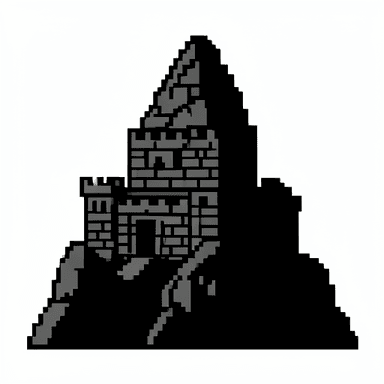
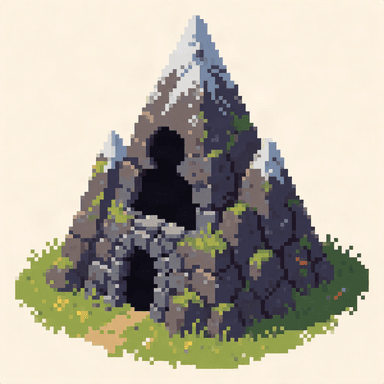
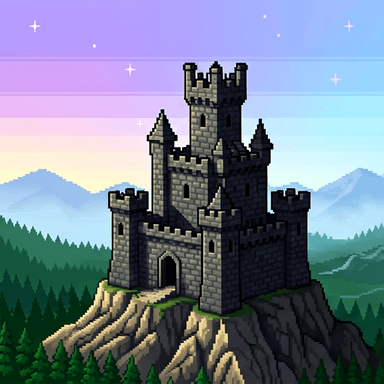
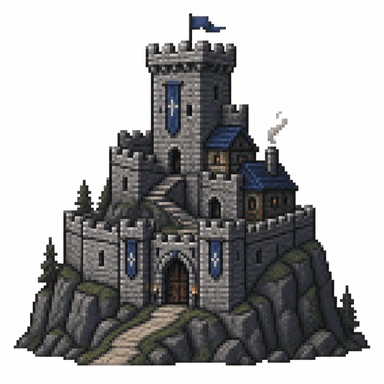
The same brief, seed, and 512 px request to four models. The 1 and 2 CU models gave a usable silhouette and the most authentic pixel texture; GPT Image 2 followed the brief best. None returned a native-grid, closed-palette asset, and four ignored the requested canvas size.
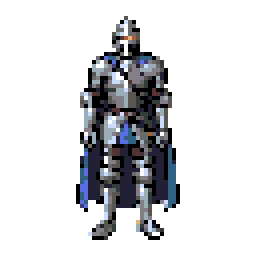
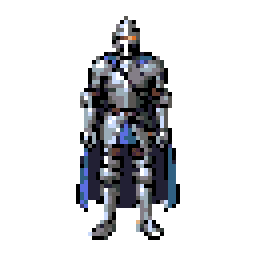
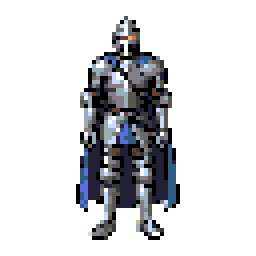
One manifest, one pixelkiln gen, 8 CU: each step names its parent's style, so the chain runs in order and a 64×64 transparent sprite lands at the end, held at the same review gate as any other asset. On a real game's 240 px landmarks the same chain returned the sprite's exact size at high confidence with far more detail.
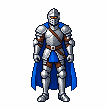
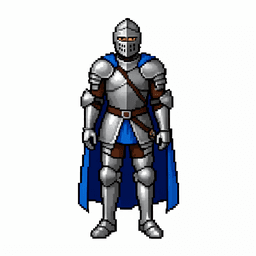
pixelkiln pixelate sends the same knight to PixelLab's Image to Pixel Art Pro Flash. PixelLab picked the 108×109 grid itself and returned it in one call for a flat 6 generations. Like Scenario's Pixelate, the result is opaque, here on near-white, so the cutout step still applies before it becomes a sprite.
"assets": {"knight": { "styles": ["render"], "prompt": "…" },"knight-px": {"styles": ["pixelate"],"prompt": "pixelate","revision": {"mode": "image-to-image","from": "knight","fromStyle": "render"}}}revision.fromStyle lets a style that uses one model revise another style's output, so a chain across models is declared, priced, and ordered instead of stitched by hand.
Measured PixelLab costs vary by up to 25×. Retro Diffusion bills in USD, Scenario in compute units, and self-hosted ComfyUI has no provider charge. PixelKiln keeps those units separate.
The skill tells compatible agents when to plan, when to ask for a budget, when to restore existing work, when to stop for human review, and how to verify output.