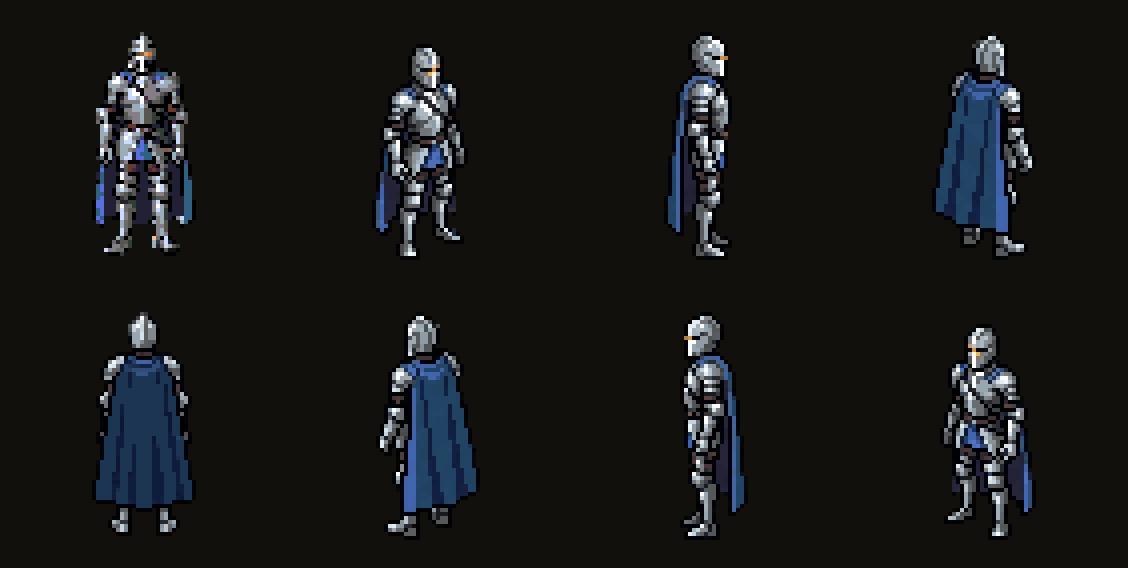
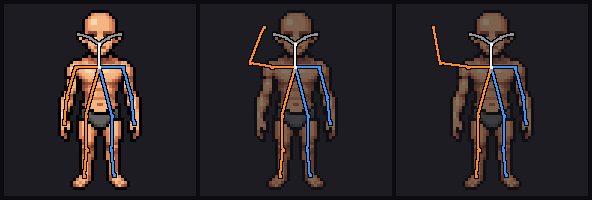
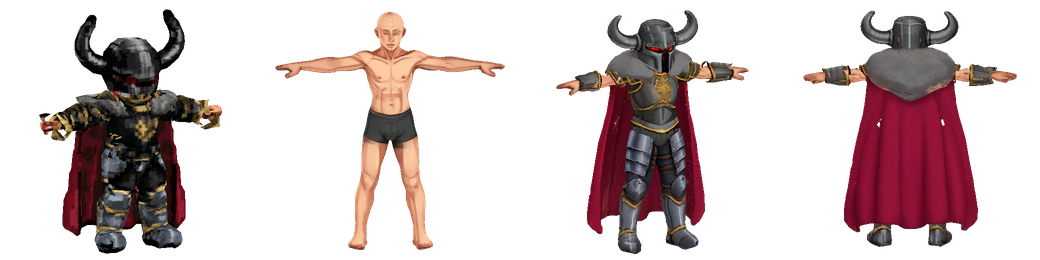
Four providers, measured.

PixelLab, Retro Diffusion, ComfyUI and Scenario run through the same plan, review and lockfile. These are the results and prices from the same prompts.

Benchmark
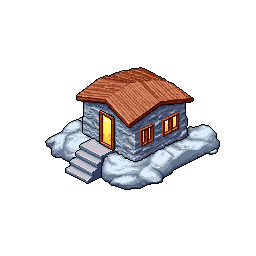
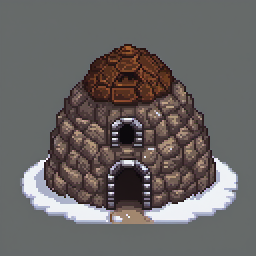
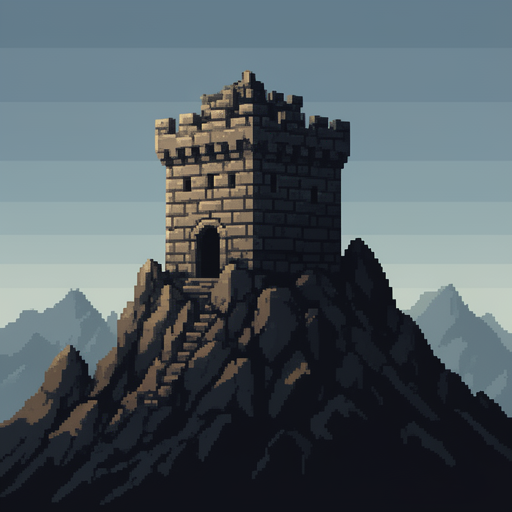
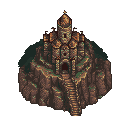
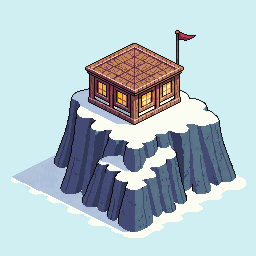
PixelLab's mountain observatoryRetro Diffusion's mountain observatoryComfyUI's mountain observatoryScenario's mountain keep

Four providers, one review flow.

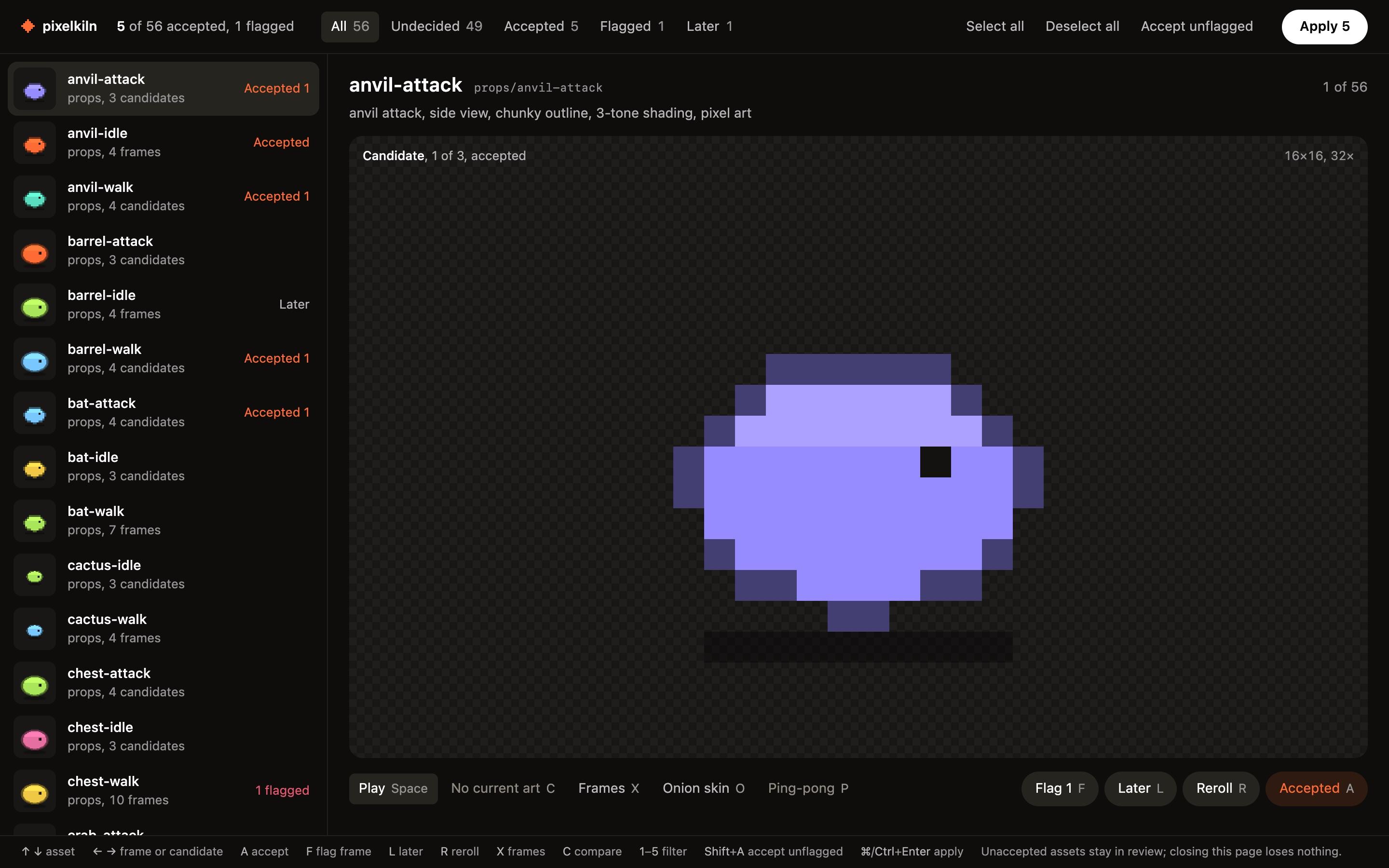
PixelLab, Retro Diffusion, ComfyUI, and Scenario share the same review, lockfile, and recovery flow. The cards below show outputs from committed benchmark projects, one sample each. The ComfyUI card separates its model canvas from the recovered native pixel grid, because a large raster can still contain fake pixels. Its samples are diagnostics, not asset recommendations. A style.quality profile applies the same palette and approval gate after any single-image provider or an atomic ComfyUI frame set. ComfyUI and PixelLab both back controlled revisions, and PixelLab adds palette cleanup, animation, and interpolation of an existing asset. PixelKiln hashes the parent and mask bytes before a revision runs.

ProviderStatusBilled inWhat has run
PixelLabProductionGenerationsGeneration and account recovery against a live account.
Retro DiffusionExperimentalUSDSingle-candidate stills, live. Its other paths need paid runs.
ComfyUIExperimentalNothing (self-hosted)Local generation, candidate review, cache recovery, and grid refinement. Atomic frame sets have automated coverage, and PixelKiln saves each accepted frame prompt before it queues the next one. They still need a live pose recipe and benchmark. The tested SDXL graph needs manual cleanup and art review.
ScenarioExperimentalCompute unitsPaid single- and two-output generation, human review, and recovery. Ten more models, six tool models, reference-image edits, and multi-model chains ran once each.

PixelLab

Production
Generations
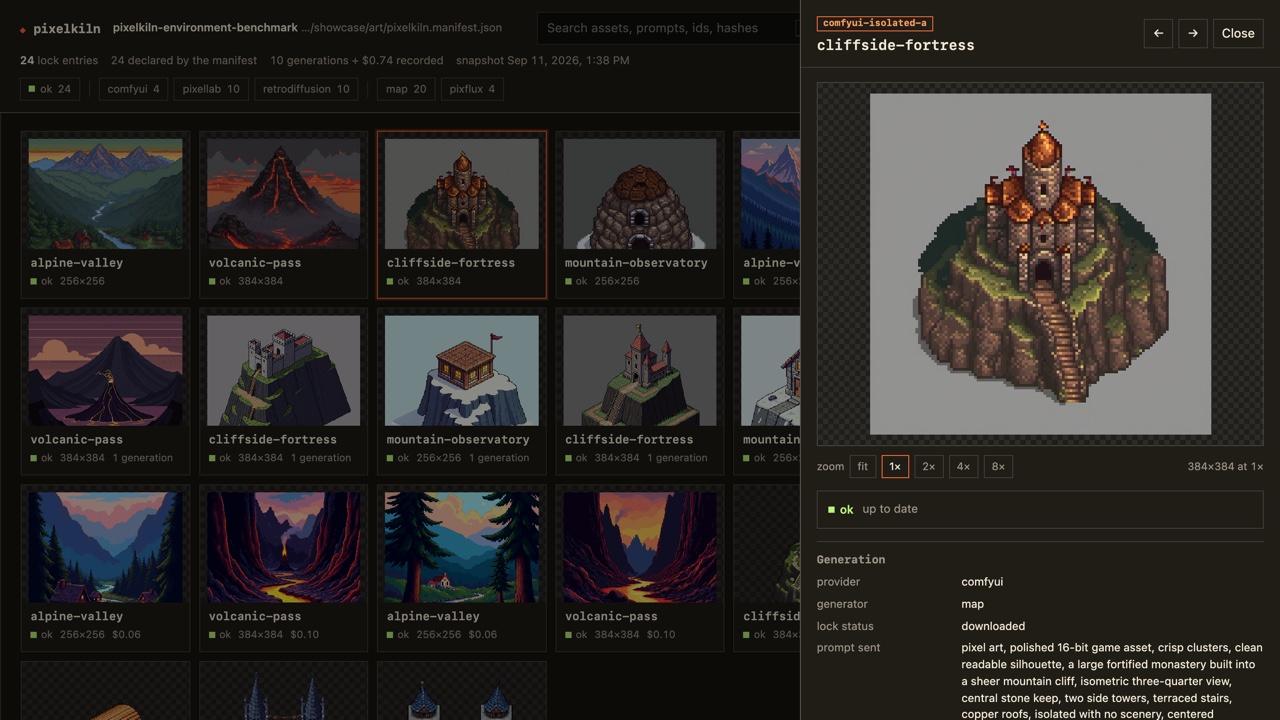
PixelLab result for a fortified monastery built into a mountain cliff
Large building, map generator
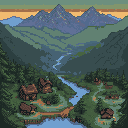
PixelLab result for an alpine valley background at dusk
Scenic background, pixflux generator

PixelLab kept more of each brief and made the scenic depth planes easier to separate. Its map objects were opaque, and one scenic attempt added a signature-like mark. Check alpha and stray marks before a batch.

Benchmark cost
1 generation each
Best fit
Prompt fidelity and account recovery

Retro Diffusion

Experimental
USD
Retro Diffusion result for a fortified monastery built into a mountain cliff
Large building, RD Plus
Retro Diffusion result for an alpine valley background at dusk
Scenic background, RD Plus

Both 384px building attempts had transparent backgrounds and used 49 to 55 colors. They also filled more of the frame than the earlier 256px attempt.

Benchmark cost
$0.058–$0.099 each
Best fit
Ready-to-place cutouts and native animation

ComfyUI

Experimental
Self-hosted
Transparent ComfyUI cliffside fortress refined onto a native 128 by 128 grid with a fixed palette
Refined to a native 128×128 grid, 15 colors, transparent
ComfyUI alpine valley refined onto a native 128 by 128 grid with a fixed palette
Refined to a native 128×128 grid, 24 colors

SDXL Base plus Pixel Art XL found workable compositions, but the raw files only imitated a pixel grid. Pixel Art Fixer recovers editable 1× assets and applies a fixed palette. A manifest quality profile makes those mechanical checks and approval part of planning and packaging. You still judge the drawing. Build large scenes from small parts that pass review.

Provider charge
None; hardware cost is external
Quality target
48–128px native per part
Best fit
Local composition, revisions, frame experiments, and custom graphs
Readiness
Still workflow live-tested; frame workflow awaits a live benchmark

Scenario

Experimental
Compute Units
Scenario BFL Flux 2 Dev result showing a stone keep on a mountain
Live smoke test, raw 512×512, opaque, 19,619 colors

BFL Flux 2 Dev produced a readable keep and completed the full PixelKiln lifecycle. The raw file imitates pixel art but carries a large RGB palette. Treat it as concept art or refinement input, not a finished game asset.

Measured cost
16 CU for one output; 32 CU for two
Best fit
Large or illustrative art, reference-image edits, and chains of hosted models
Readiness
Eleven image models, six tool models, and reference edits run once each; other schemas unverified

Scenario, measured.

We ran Scenario's catalogue through PixelKiln: ten text-to-image models priced from 1 to 11 compute units, six single-image tool models, reference-image edits, a three-model chain, and a real isometric pixel-art game's structures, covers, backdrops, and sound effects. Every paid request is preceded by a free quote and held under a ceiling you set. These are our own benchmark images, one sample each.

Price does not predict fit

A pixel-art stone keep on a mountain from FLUX.2 Klein 9b
1 CU FLUX.2 Klein 9b
A pixel-art mossy cave mountain from Krea 2 Turbo
2 CU Krea 2 Turbo
A pixel-art castle on a cliff from Ernie Image Turbo
3 CU Ernie Image Turbo
A detailed pixel-art stone keep with banners from GPT Image 2
11 CU GPT Image 2

The same brief, seed, and 512 px request to four models. The 1 and 2 CU models gave a usable silhouette and the most authentic pixel texture; GPT Image 2 followed the brief best. None returned a native-grid, closed-palette asset, and four ignored the requested canvas size.

Render, pixelate, cut out, refine

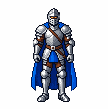
A knight rendered by FLUX.2 Klein 9b on a white background
1 CU render
The knight pixelated onto a 32-color palette
5 CU Pixelate
The pixelated knight with its background removed
2 CU Birefnet cutout
The final 64 by 64 transparent knight sprite after refinement
free refine, 64×64

One manifest, one pixelkiln gen, 8 CU: each step names its parent's style, so the chain runs in order and a 64×64 transparent sprite lands at the end, held at the same review gate as any other asset. On a real game's 240 px landmarks the same chain returned the sprite's exact size at high confidence with far more detail.

The same render, one PixelLab call

The same knight render, the source for both conversions
source the 1 CU render
The knight after Scenario's Pixelate
5 CU Scenario Pixelate
The knight after PixelLab's Image to Pixel Art Pro Flash, 108 by 109 pixels
6 gen PixelLab pixelate, 108×109

pixelkiln pixelate sends the same knight to PixelLab's Image to Pixel Art Pro Flash. PixelLab picked the 108×109 grid itself and returned it in one call for a flat 6 generations. Like Scenario's Pixelate, the result is opaque, here on near-white, so the cutout step still applies before it becomes a sprite.

What a real game taught us

  • Large art works. A 240 px landmark chain returned the existing sprite's exact size at high confidence, with far more detail, for 8 CU on the cheap model or 18 CU on the strongest.
  • A reference keeps the design. Sending the current sprite as a reference raised silhouette overlap from 0.39 to 0.66 to 0.93 to 1.00, at the same pixel scale. Some models shift colors.
  • Small sprites and tiles do not. 32 px props came back as different objects with holes after the cutout; terrain tiles and characters need tools built for them.
  • Backdrops need the prompt to say flat. An isometric prompt lay on a diagonal plane; asking for a front-facing horizontal strip gave the exact grid. A mist fade needs a better cutout route.
  • The pixelate grid is not always literal. On a 960 px render, asking for 240 made 2 px blocks and asking for 120 made the 240 cells wanted. Check one image first.
  • Sound effects need one event each. A two-part impact worked only as two sounds layered, and only on the pricier model; the cheap one returned ambience.
  • Quotes were exact, the balance is not visible. Every quote matched its bill, but the adapter cannot read the account balance, and a hand tally ran about 5% under it.
pixelkiln.manifest.json
"assets": {"knight": { "styles": ["render"], "prompt": "…" },"knight-px": {"styles": ["pixelate"],"prompt": "pixelate","revision": {"mode": "image-to-image","from": "knight","fromStyle": "render"}}}

revision.fromStyle lets a style that uses one model revise another style's output, so a chain across models is declared, priced, and ordered instead of stitched by hand.

Where it fits
Large landmarks, covers and key art with legible text, flat backdrops, image-to-image edits at 1 CU, and cheap sound effects
Where it does not
32 px props, characters, terrain tiles and cliff blocks, which stay on a tool built for them
Cost control
A free quote before every paid call, a per-style ceiling, and a command budget

One sprite, 1 to 25 generations.

Measured PixelLab costs vary by up to 25×. Retro Diffusion bills in USD, Scenario in compute units, and self-hosted ComfyUI has no provider charge. PixelKiln keeps those units separate.

GeneratorBest forMeasured cost
mapStandalone props and icons 1 gen
pixfluxExact closed palettes 1 gen
imageProNon-square or larger scenes, style transfer, a target palette 10–25 gen by canvas
1dirReferences and candidate variety 10–25 gen
tilesGround and structural sets 10–25 gen
terrainTwo-terrain tilesets, connected sets, and sidescroller platforms 15 gen Pro (25 at 64px), 3 standard or sidescroller
isometricTileA single elevation tile, such as a mesa or a cliff block 1 gen
characterA base in 8 directions, its poses, its loops 1–25 gen per base by engine, 1–4 per template loop, mirrors free
objectProA skeleton-free prop's base, poses, and loops about 6 gen per base at 64px, 1 per loop (unmeasured)
imageProFlashStyled stills on the Pro Flash model, 16–256px 5–9 gen (quoted)
uiAssetUI panels, buttons, and bars from pieces and elements 10–25 gen (20 measured before PixelLab's price cut)
uiElementOne UI element from a description, 16px and up 10–25 gen (unmeasured)
vfxAnimated effects: explosions, spells, auras, hits, on their own or around a sprite free from presets, 1 gen and up when described
animationRetro Diffusion GIFs and sprite sheetsUSD quote
framesControlled ComfyUI still sequences0 provider units

More of PixelKiln.

Teach your agent PixelKiln.

The skill tells compatible agents when to plan, when to ask for a budget, when to restore existing work, when to stop for human review, and how to verify output.

Agent setupLibrary quickstart