
Tilesets that connect.
Describe two surfaces and PixelLab draws the tiles that join them: sixteen for a coast, twenty-five with tall walls. PixelKiln prices the set, records it, and exports it to Tiled, Godot or LDtk with its placement rules.
Tiles and engine exports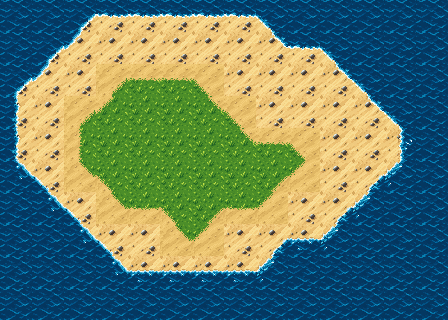
Describe the border. Get the tiles.
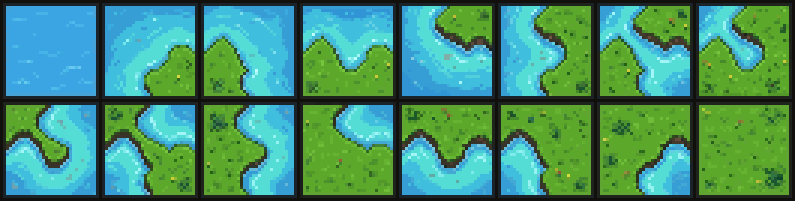
A map is drawn from tiles that join. A terrain set is the whole family for two surfaces, grass and water, floor and lava, drawn together so the corners match, whichever way the border turns. Sixteen tiles cover a coast. Twenty-five add the walls when one surface stands above the other.


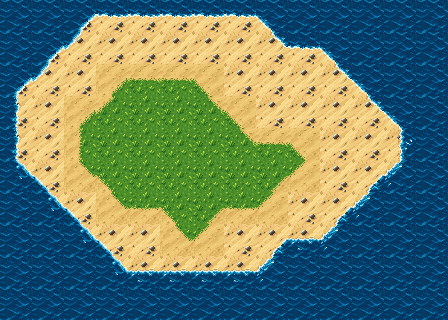
Ocean to sand, then sand to grass: two connected sets as one brush. Click or drag to paint a corner dot. Each tile is chosen by the four dots around it. No set joins every pair, so painting two that never meet leaves the terrain between them.
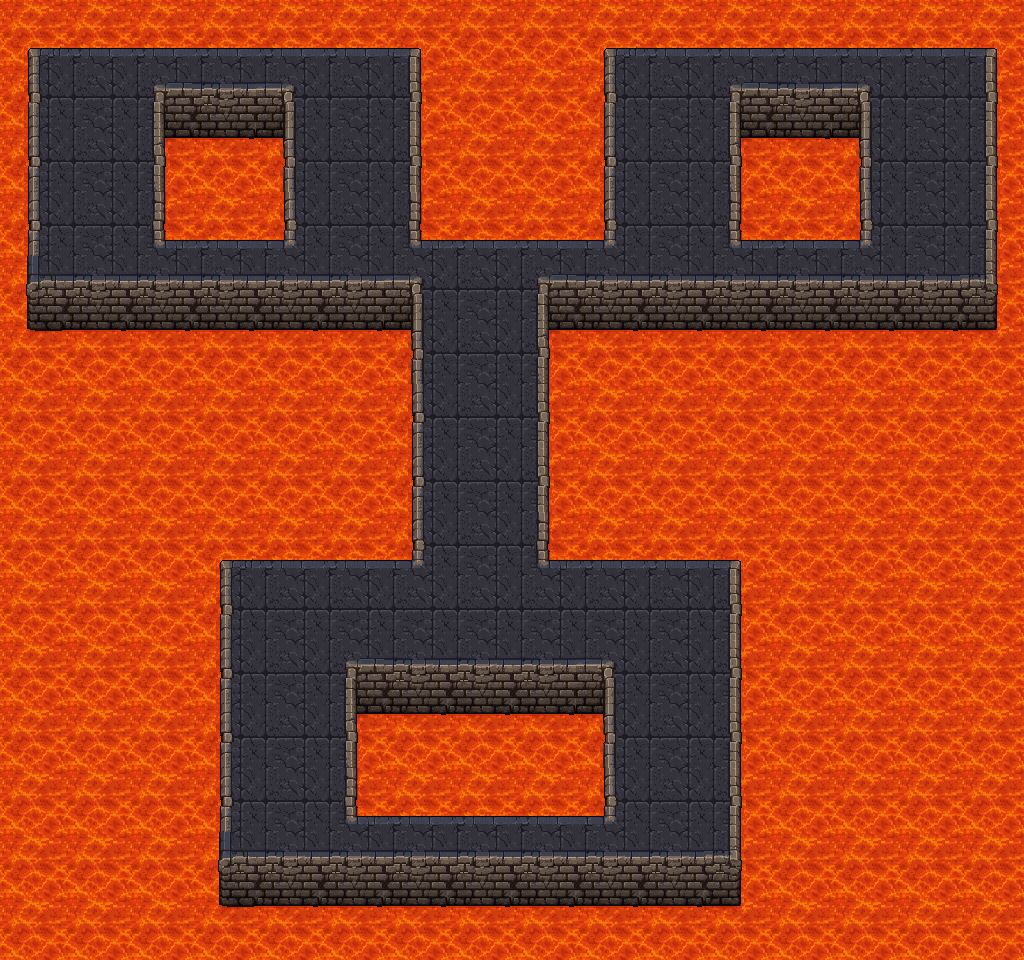
- A tile records which surface fills each of its four corners, so an engine can pick the right one for any neighbour. PixelKiln keeps that record beside the file.
- The set comes from one request, so its tiles are drawn to match. You review the set, not tile by tile.
- A set that shares a surface with another waits for it, and goes stale if the first is regenerated.
Pick the kind that fits the map.
Each kind is a generator in the manifest, so plan prices it before anything is sent. The prices below were billed in live runs, and the lockfile records what each set actually cost.
terrainTwo surfaces and the border between them, as 16 tiles, or 25 when the walls are tall. Top-down.Pro: 15 generations at 32px, 25 at 64px. Standard: 1 to 3.terrain, sidescrollerA platform set: a stone or earth body with a grass or snow top, 16 tiles.1 generation on standard, 15 on pro.tilesIndependent ground tiles, an 18-piece road set, a 16-tile terrain transition, or a building kit of floors, walls, doors and stairs.10 to 25 generations.isometricTileOne block: a raised mesa, a cliff, a floor slab, with the thickness you choose.1 generation.asset importYour own sheet, cut into tiles and put under the same record, review and export.Free.Bring your own texture.
Give a terrain a PNG and PixelLab uses it almost as the texture itself, drawing only the border between. In the test, two hand-made 16×16 striped swatches came back as the fill of both terrains, stripes intact. Hand it a tile you would be happy to see repeated.

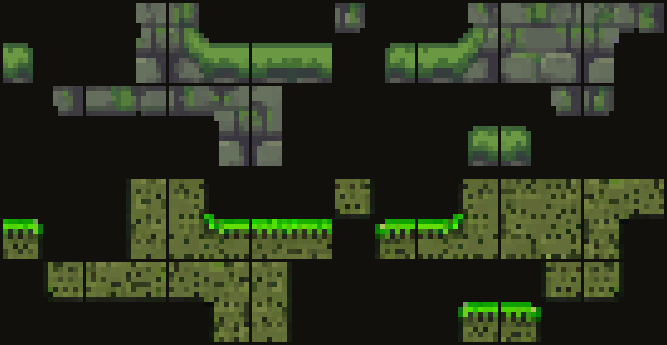
"styles": {"cave": { "generator": "terrain", "size": 16, "outDir": "tiles/cave" },"ledge": { "generator": "terrain", "size": 16, "outDir": "tiles/ledge","terrainOrientation": "sidescroller" }},"assets": {"pool": {"prompt": "1). teal slime pool 2). purple crystal floor","styles": ["cave"],"terrainReferences": { "lower": "refs/slime.png", "upper": "refs/crystal.png" }},"moss": { "prompt": "1). mossy stone bricks 2). green grass", "styles": ["ledge"] }}- A reference is hashed into the set's identity: replace the file and the set is stale, rename it and nothing changes.
- A file that changes between
planandgenis refused, so the request always matches what was priced. - Other controls shape the border:
tileElevationraises a bank,tileBoundaryAmplitudemakes the line meander, andterrainRoundnesswithterrainConnectDiagonalscuts a coast at 45°.
Isometric, in four kinds.
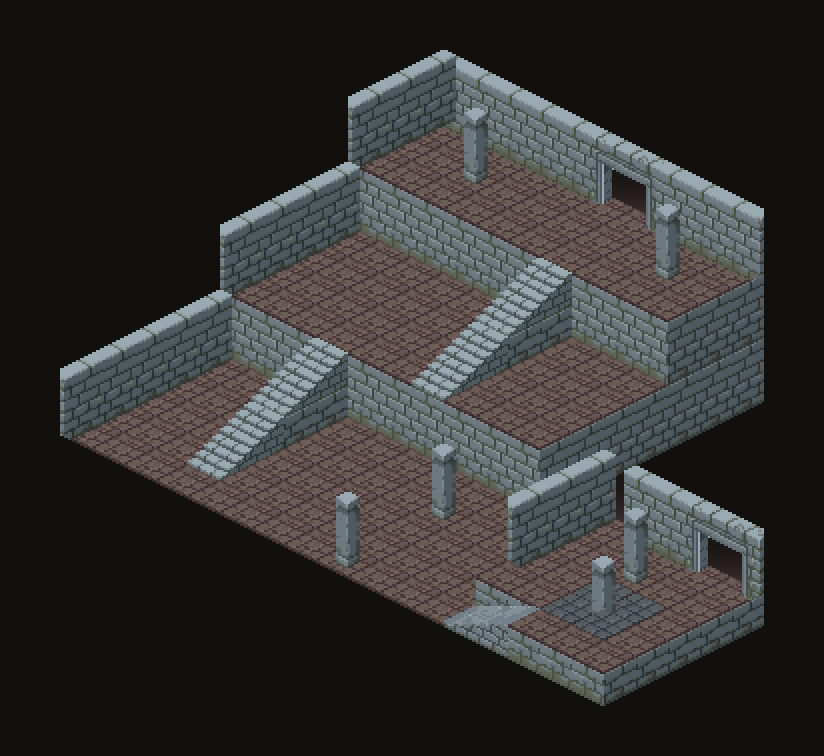
The same generators draw on a diamond grid when you set tileType: "isometric". These came from one manifest, in one run. The sheets are untouched PixelLab output; the two maps are those sets painted in Godot.
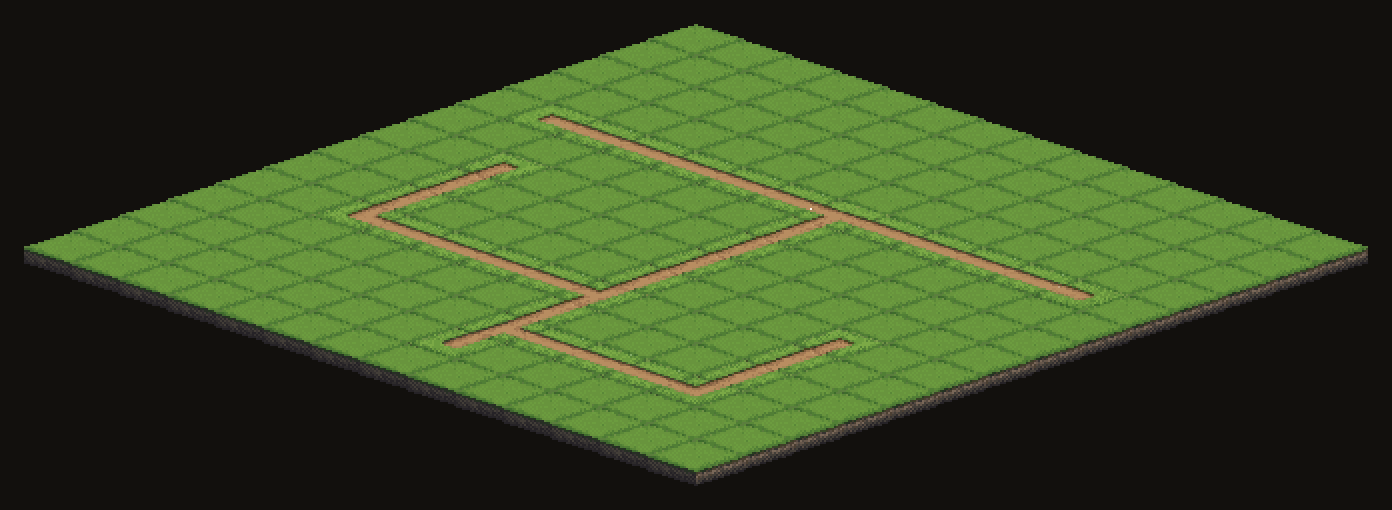
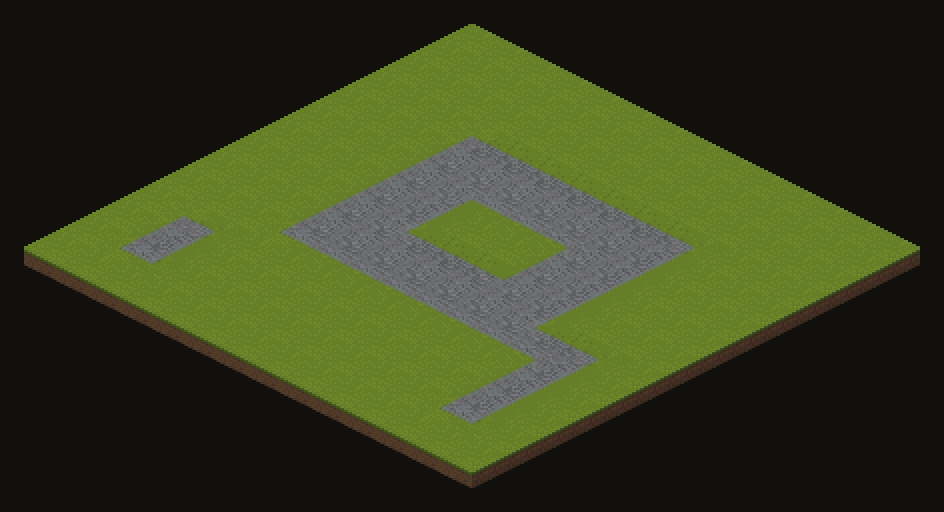
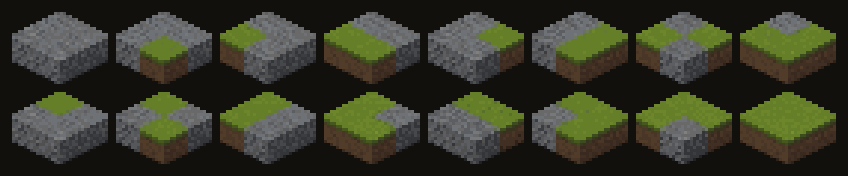
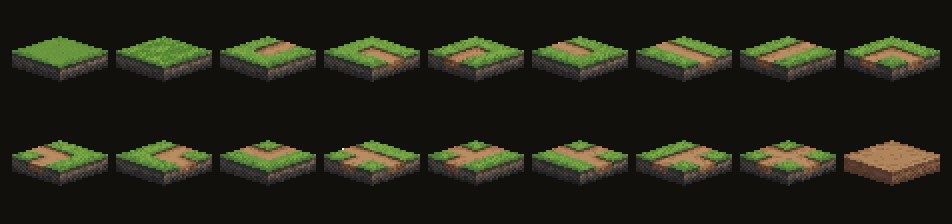
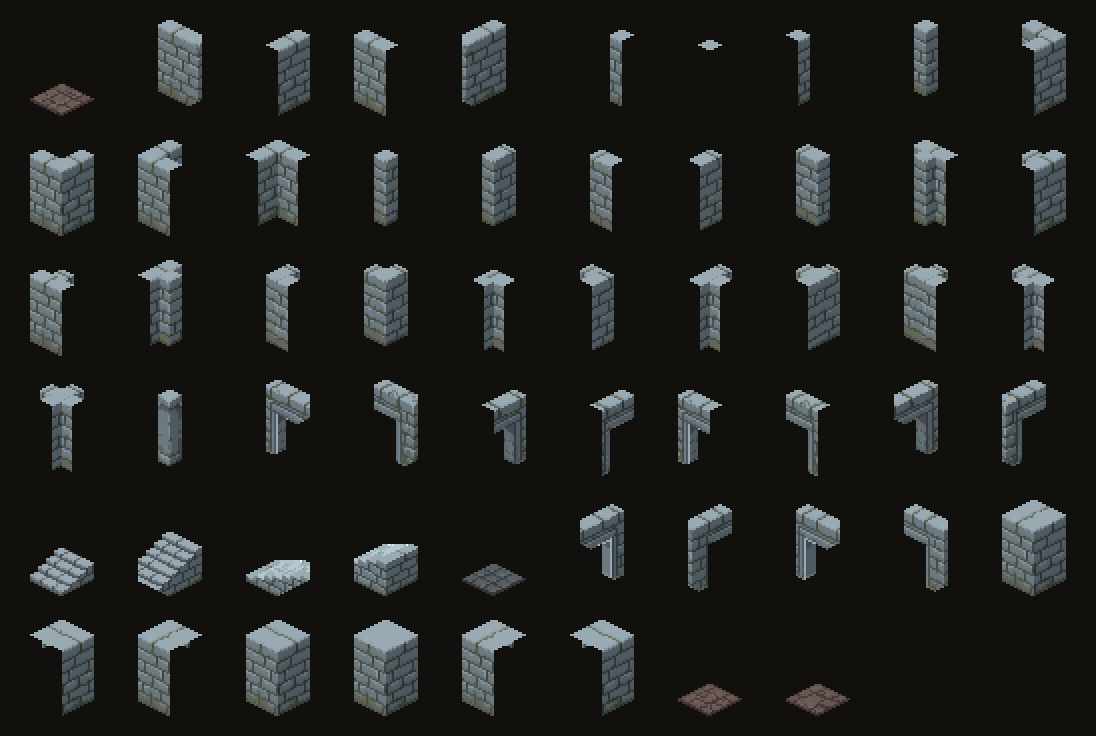
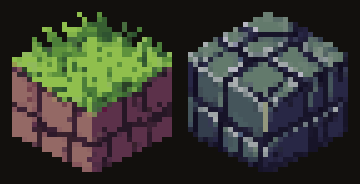
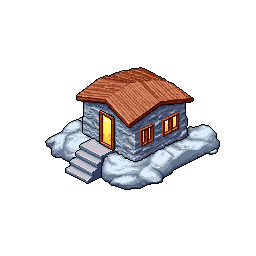
isometricTile: one tile per prompt, 32 by 32. 1 generation each.- A tile image is taller than its diamond. The 32 by 24 tiles are a 32 by 16 diamond with 8 rows of side below it, so
exportfinds the diamond and gives Godot its cell and offset, and Tiled its grid, to stand each image on its cell. - The terrain set is corner-ruled and the road set is edge-ruled. Both export to Godot and Tiled. The road set's four edges are the diamond's four sides, which we measured on these tiles and checked by painting a road network in Godot.
- A building kit has its own rule family, so it exports to the generic file with every rule kept. An engine importer has to place its pieces.
Out to Tiled, Godot and LDtk.
A folder of tile images is not a tileset until an engine knows which tile goes where. export writes the atlas and the placement rules together, so the engine's terrain brush can paint with it. Godot's was checked by painting.
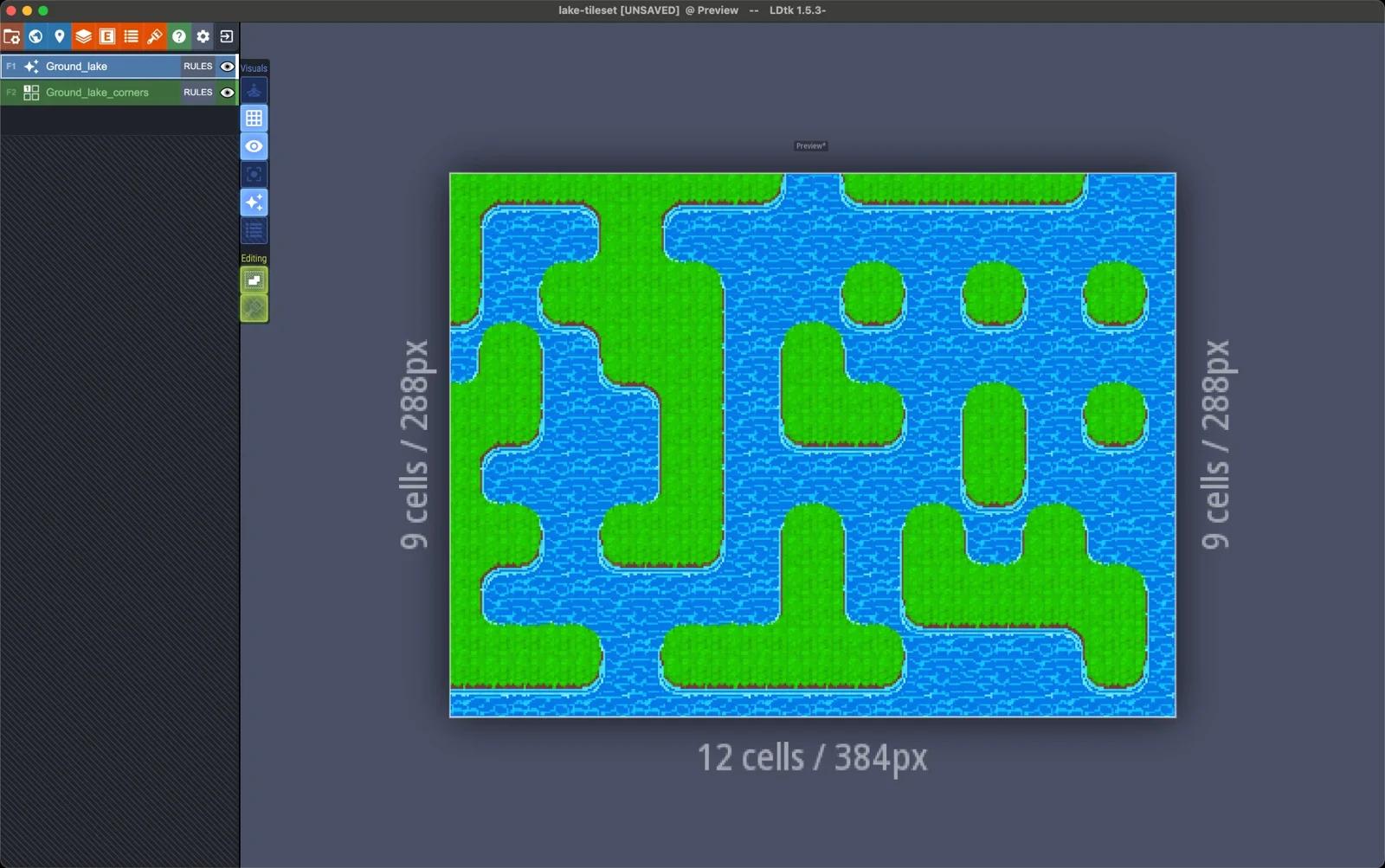
--format ldtk writes, drawn by the auto-rules the export wrote. Pick the corners layer and paint: the shores redraw..jsonThe lossless record: the atlas, every tile's rectangle and mask, and the provider's raw rules. For any engine without an exporter.Round-trip tests..tsjAn image tileset with a Wang set, its ids in Tiled's own order. Isometric sets get their diamond grid and the offset that seats each image on it.Follows Tiled's documented format. Not loaded by Tiled in CI..tresA TileSet with terrain peering bits on every tile. Isometric sets get the diamond as the cell, each image placed on it, and a diamond layout.A headless Godot 4.7.2 loads it in CI, reads a peering bit and the isometric geometry back, and paints square and isometric corner and edge sets, and the three-terrain coast, with every border compared to the strokes. Drawn in Godot, isometric cells tile exactly..ldtkA project: the tileset, a paint layer, an auto-rule layer, and a Preview level that uses every rule.Opened in LDtk 1.5.3, where its own rules redrew the tiles the file stores.pixelkiln planpixelkiln gen --budget 15pixelkiln export --style ground --only terrain --format tiledpixelkiln export --style ground --only terrain --format godotpixelkiln export --style ground --only terrain --format ldtkpixelkiln export --style ground --only terrain --format generic- Each export has a record of its inputs and output hashes. An edited file stops the next export instead of being overwritten.
- Fix a tile by hand with
pixelkiln edit --only coast --no-open. It copies each tile toedits/, and the next export uses your version and names the files in its record. - Brought your own sheet?
asset importcuts it into tiles under the same record and export.
One brush for several sets.
A coast takes three sets, and each one joins only two surfaces. Exported one at a time they are three brushes that do not know the sand is the same sand. Add --merge-connected and the sets that share a surface come out as one tileset with all four. Naming any one set exports the group, and every set in it has to be generated first. Surfaces no set joins, ocean against grass, leave empty cells where they meet, so plan a set for every pair that touches.
pixelkiln export --style ground --format tiled --merge-connectedpixelkiln export --style ground --only meadow --format ldtk --merge-connectedWhat it does not do yet.
- Connected sets export one at a time unless you ask for
--merge-connected. A sidescroller set connects only its platform, so it always exports alone. - Six-edge hex masks stay in the generic JSON, and so do edge masks on oblique tiles for Godot: we have not measured which diagonal each bit means. LDtk takes square tiles only.
- Terrain sets are square, top-down or side-on, because PixelLab's tileset endpoint has no shape option. Isometric ground comes from
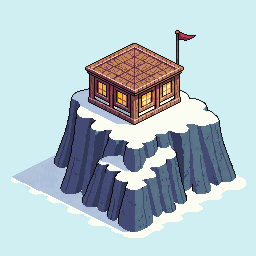
tiles, and exports with its diamond geometry. A single raised block isisometricTile.
Draw a coast. Open it in your engine.
Describe two surfaces, read the price, and export. The first set is one command after the plan, and the lockfile records what it cost.
"styles": {"ground": { "generator": "terrain", "size": 32, "outDir": "tiles" }},"assets": {"coast": { "prompt": "1). deep ocean water texture 2). plain smooth sand texture" }}More of PixelKiln.
- How it worksOne manifest, a price before you spend, and a record of every paid file.
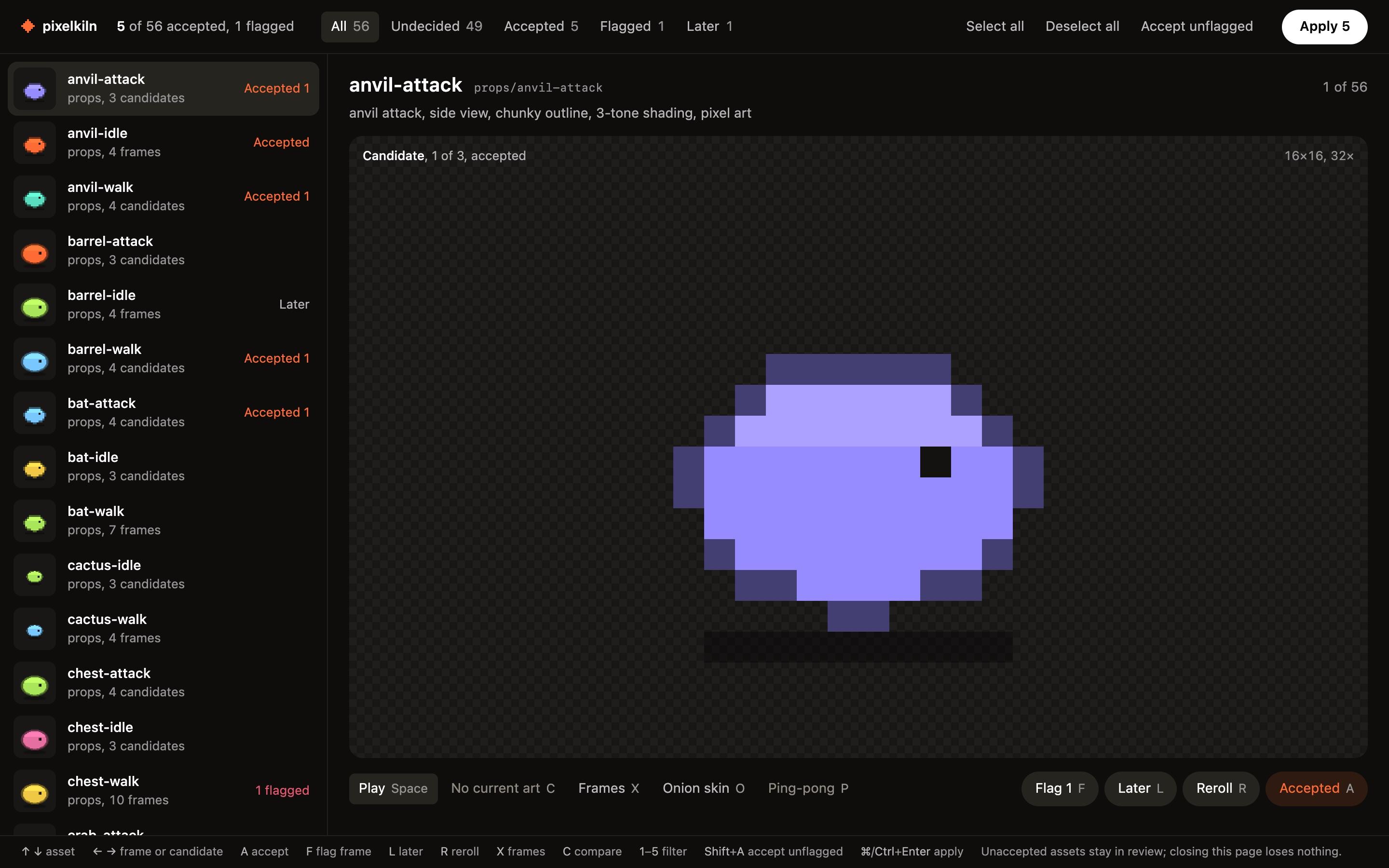
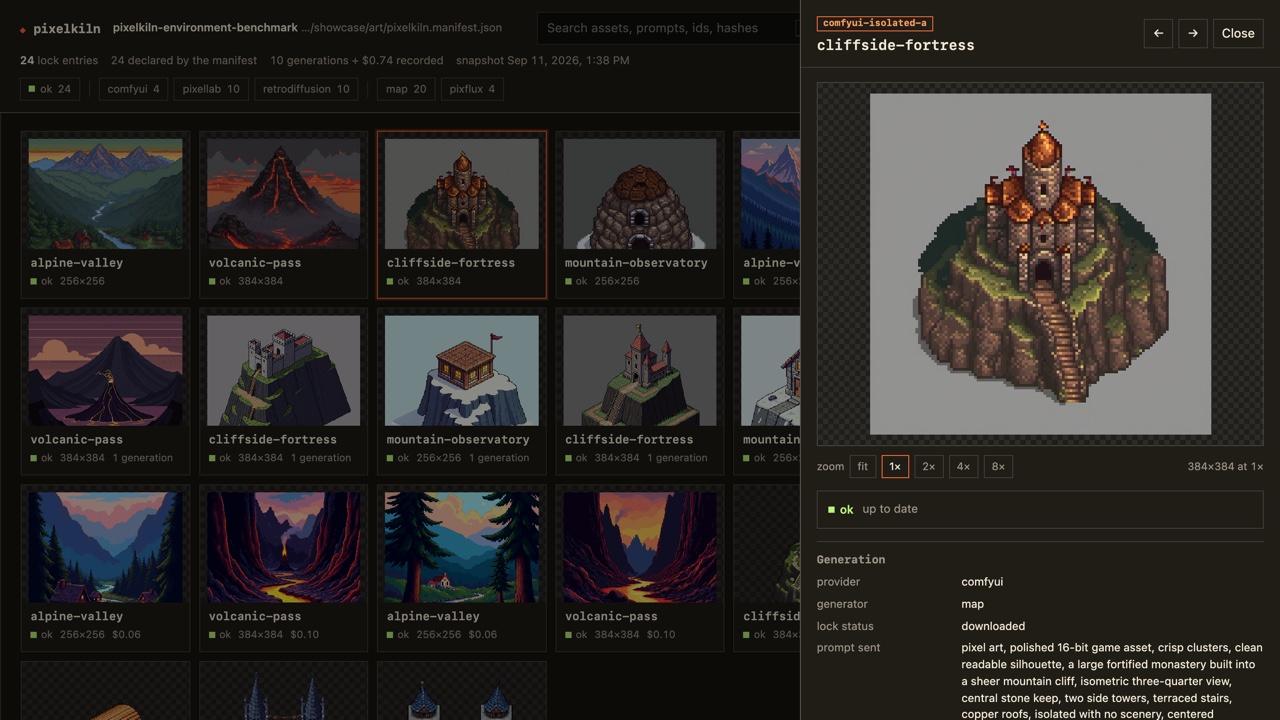
- Review and galleryPick candidates, touch sprites up in the browser, and approve the exact pixels.
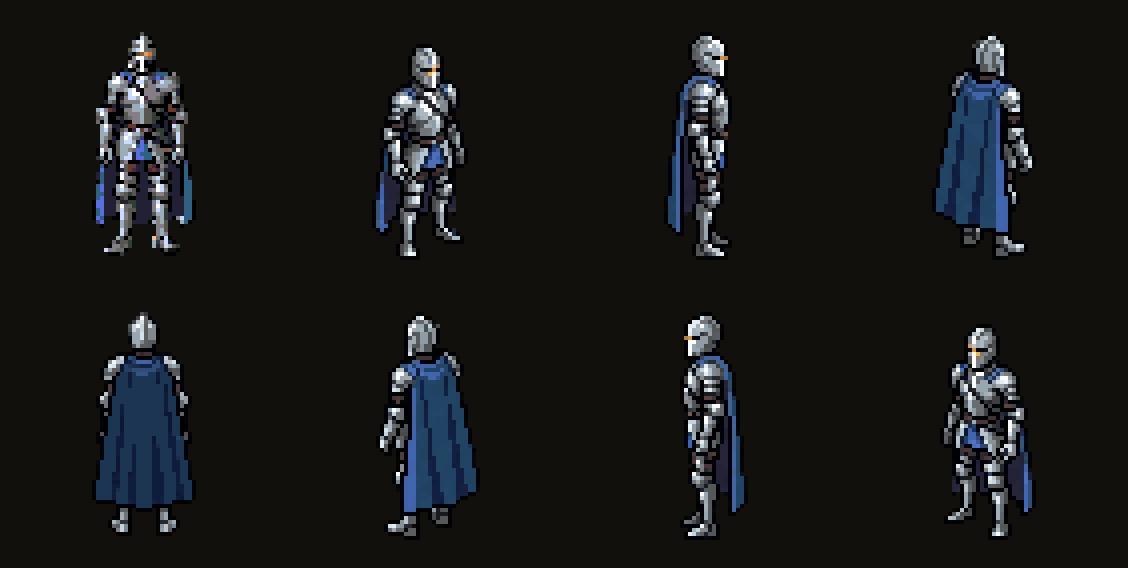
- Characters and loopsA base in eight directions, then every animation drawn from it.
- Skeletons and riggingOne 18-joint skeleton per sprite: estimate it, correct it, animate from it, and pin items to its hands.
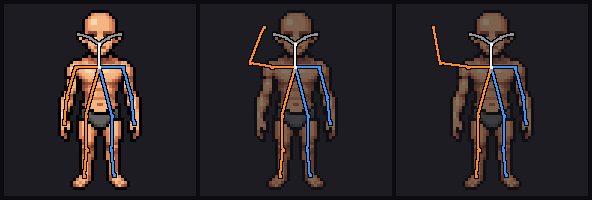
- Paperdoll layersOutfits, hair, held items and skin tones as separate layers over one body.

- 3D charactersRigged, animated 3D models built from directional sprites, body and items apart.
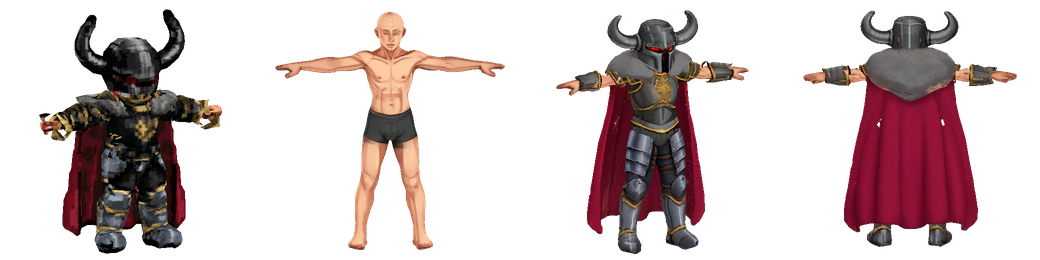
- EffectsAuras, lightning, shields and hits as frames a game can play, built around your sprite or placed by a pivot, free.



- Providers and costsPixelLab, Retro Diffusion, ComfyUI and Scenario, measured on the same prompts.
Teach your agent PixelKiln.
The skill tells compatible agents when to plan, when to ask for a budget, when to restore existing work, when to stop for human review, and how to verify output.