Pick, edit, approve.

A local page shows every candidate, loop and file in the project. You choose, retouch and approve; the lockfile records what you decided.

The pick command
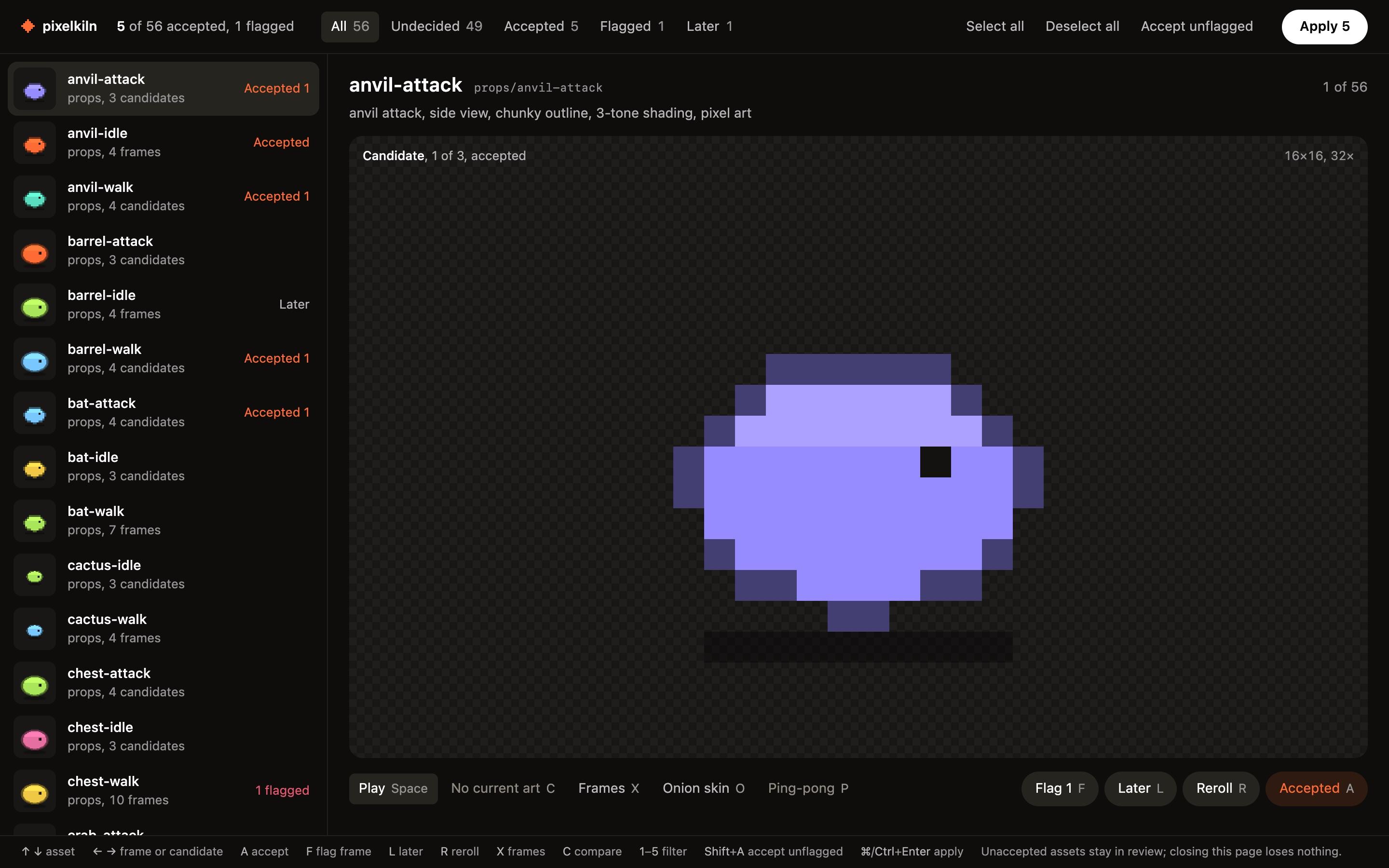
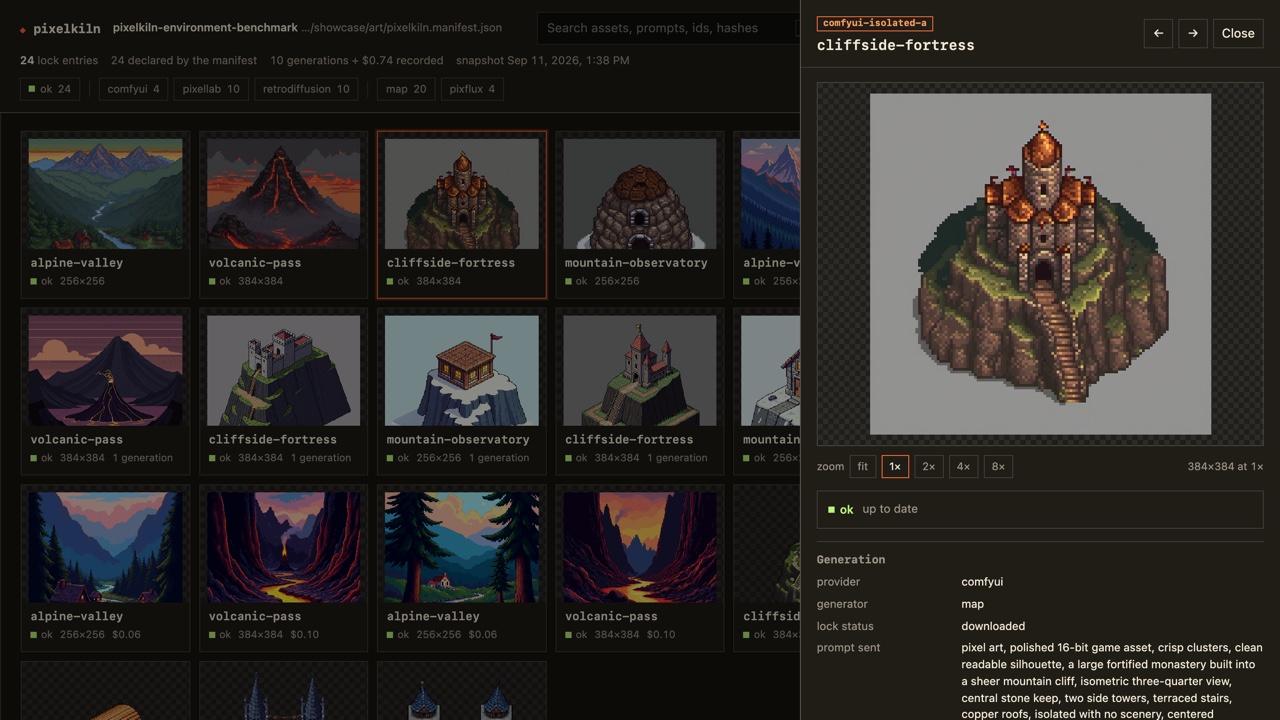
The local gallery page listing a project's sprites with their status and cost

Pick, then approve.

pixelkiln pick opens a local page with every candidate. It preserves native aspect ratios and stays readable on ultrawide displays, and a frame set counts as one choice. PixelKiln records every candidate and leaves the decision to you.

PixelKiln asks providers for your palette, and enforcePalette makes it a rule: every downloaded sprite is snapped to the nearest palette color as it is written, while the provider's bytes stay in the cache. Turning the rule on or off later re-applies it to art you already paid for.

localhost pixelkiln pickhuman review
PixelKiln's local candidate review interface showing generated forge emblems
The local review page with generated brand sprites. No model chooses for you.

More of PixelKiln.

Teach your agent PixelKiln.

The skill tells compatible agents when to plan, when to ask for a budget, when to restore existing work, when to stop for human review, and how to verify output.

Agent setupLibrary quickstart